
CONNECTED CALENDARS · PLUS
Appointments stay connected.
Your team keeps its habits.
Google Calendar or Outlook: find your events in Keyful while keeping your familiar calendar. Creates and updates use the authorized connection.
 Keyful

An appointment stays connected to its account.
Each person authorizes the accounts their work requires. There’s no need to share calendar credentials with the team.
- 01
Connect
Choose a Google or Microsoft account and grant permissions.
- 02
Schedule
Create or edit events through authorized views and tools.
- 03
Connect the process
Add a calendar action to your Plus workflows.
APPOINTMENTS AND BOOKINGS
Stay management keeps its own calendar.
A calendar event doesn’t automatically close a property for sale. Appointments, tasks and bookings retain their own roles. Connect them through an explicit process when your organization needs it.
Explore the booking calendar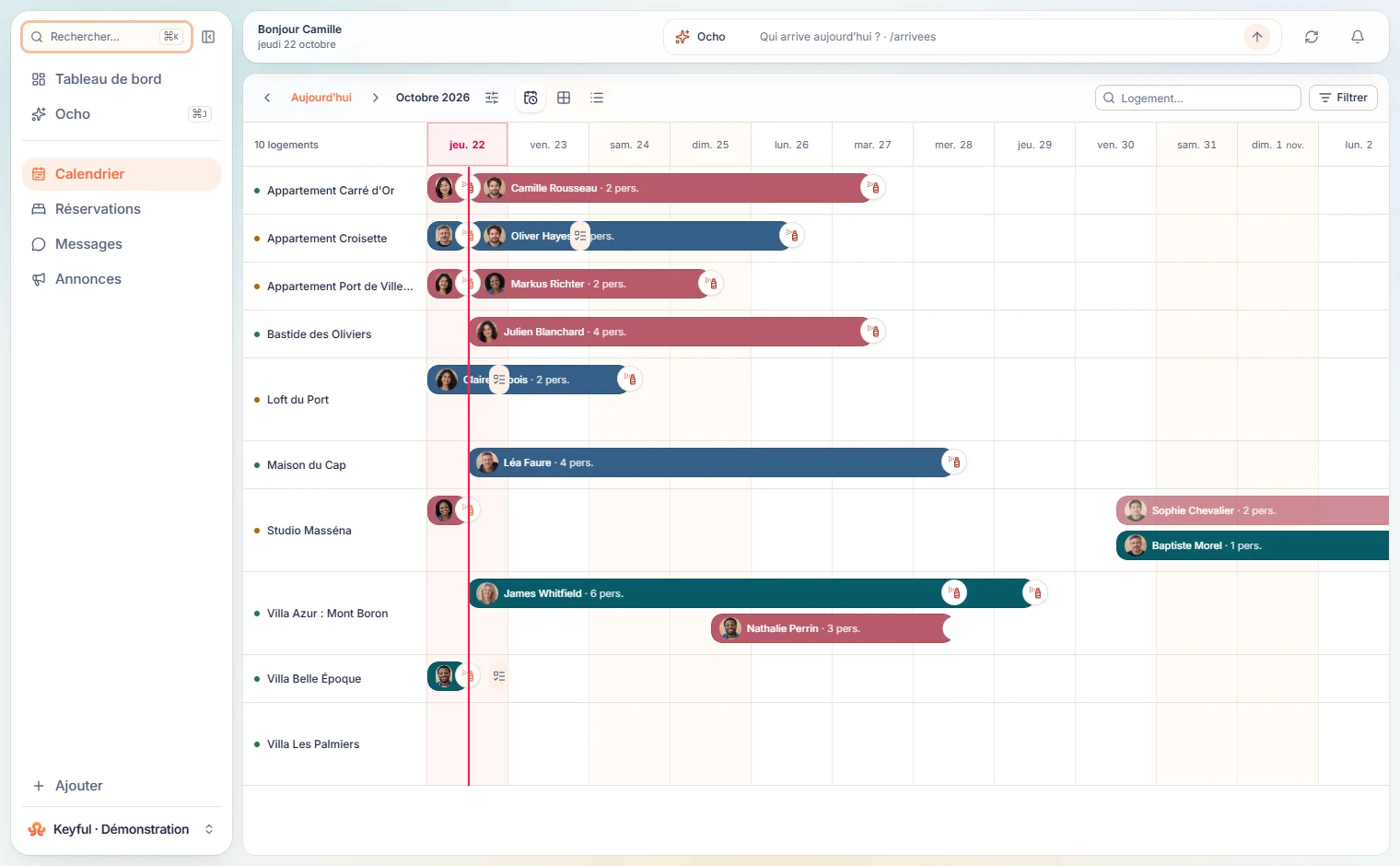
Connect appointments to your working day.
Google Calendar, Outlook and automations are part of Plus.